Building Your App
Customize Store Settings
Edit your store’s app-level settings, like which policies to show in the mobile app.
How to Access Store Settings
- Log in to your Shopify admin dashboard.
- In the left-hand sidebar, scroll to the Sales Channels section.
- Click Reactiv – Mobile App Builder, then select App Studio.
- Click your company logo at the top of the page and select App Settings.
- From the top menu, click Store.
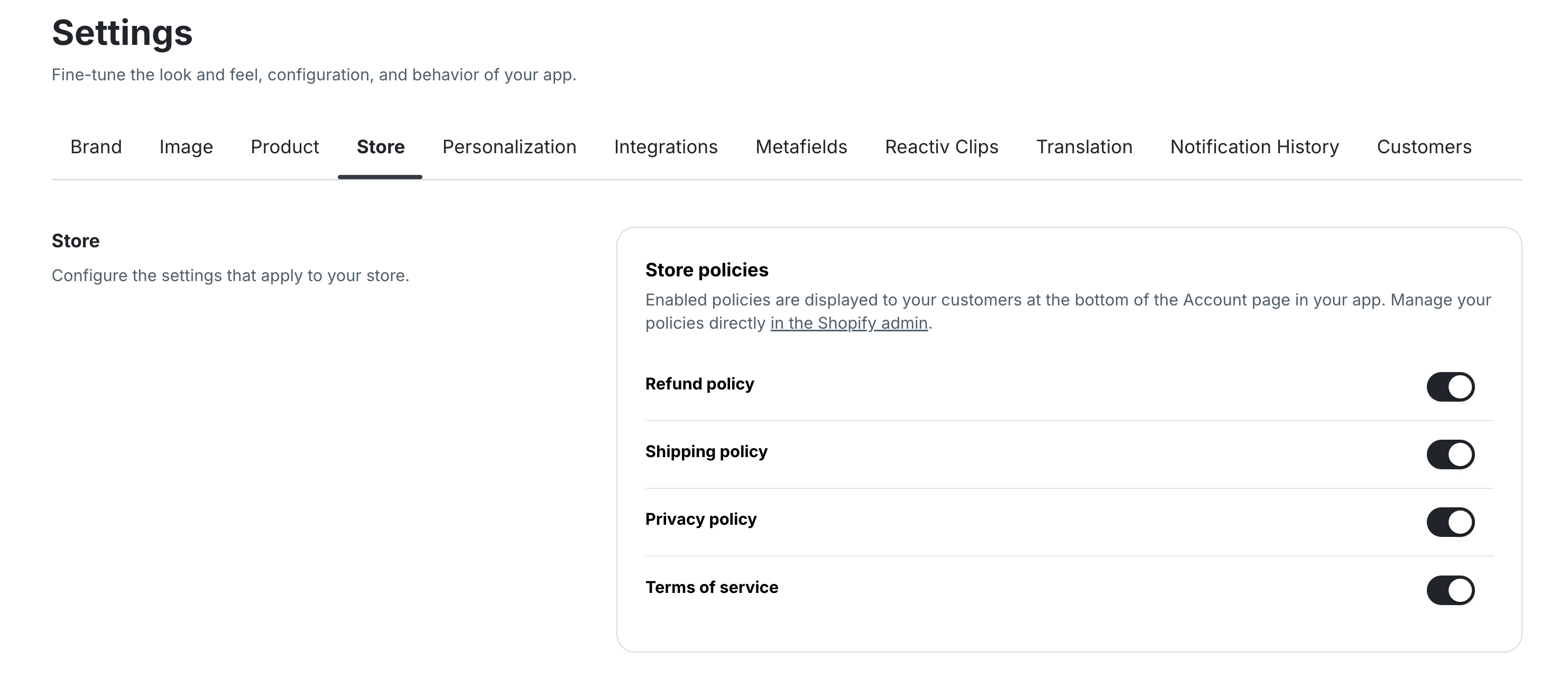
Available Settings
Store Policies
Toggle which Shopify policies appear in the app’s account footer:
-
Refund policy
-
Shipping policy
-
Privacy policy
-
Terms of service
You can manage the content of these policies directly in your Shopify admin under Settings > Policies.
Was this page helpful?