How to Control Variant Selection on PDP Load
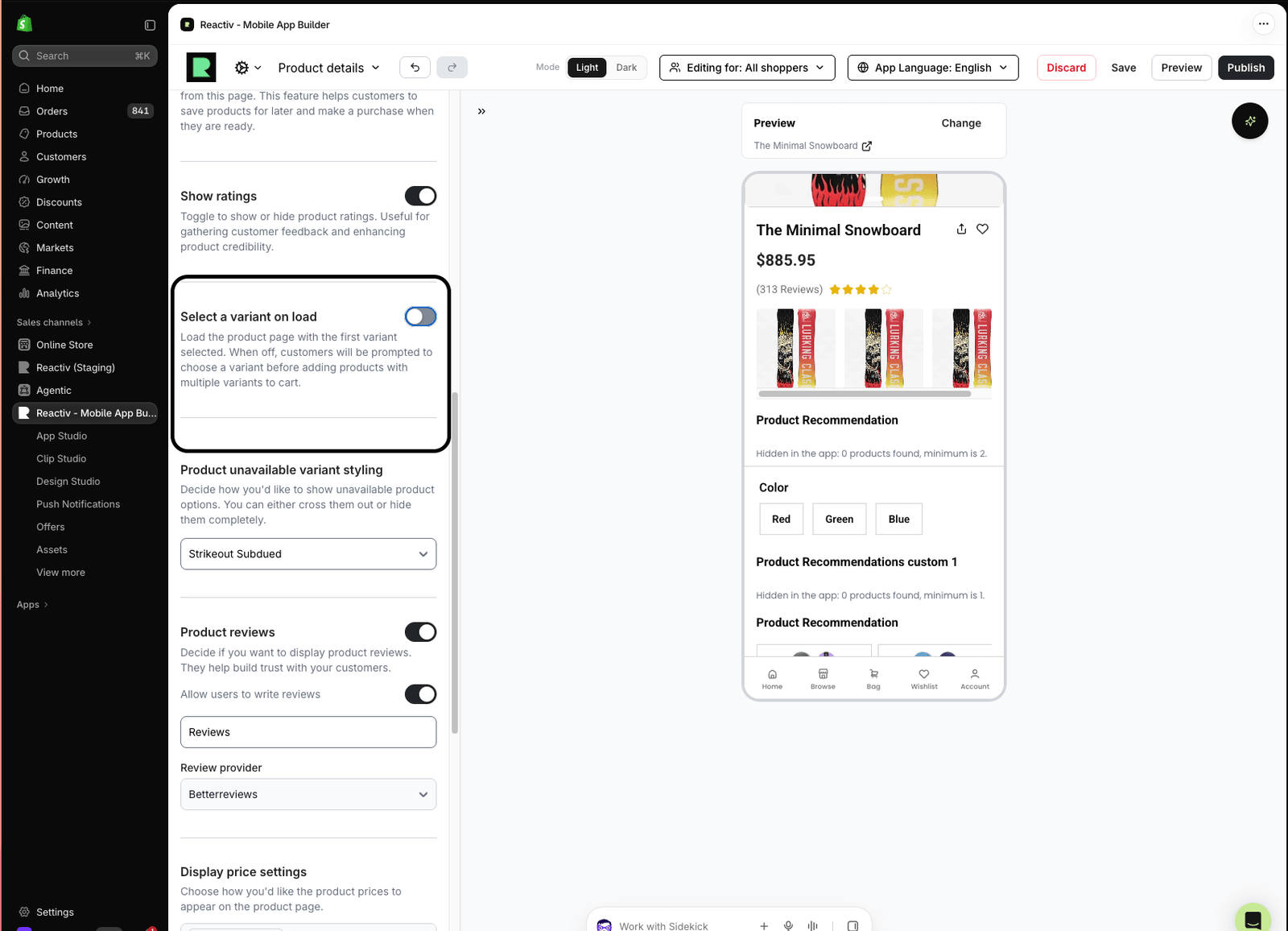
The Select a variant on load setting controls whether a product detail page (PDP) in your Reactiv mobile app opens with a variant already selected. It is set per PDP screen in App Studio, not globally.
Turn it off when you want shoppers to choose a colour, size or other option themselves before they see variant-specific details or add to cart.
1. Change the setting
- In your admin, open the mobile app builder and go to App Studio
- From the screen selector, choose PDP
- Open Settings for the page and scroll to the bottom
- Find Select a variant on load and set the toggle:
- On: the PDP opens with the default variant selected
- Off: the PDP opens with no variant selected
- Check the preview to confirm the PDP loads the way you expect
2. What shoppers see
| Setting | How the PDP loads |
|---|---|
| On | The variant Shopify defines as the product's default is selected, for example the colour red. Variant-level information such as inventory loads straight away. |
| Off | No colour, size or other variant option is selected. The shopper picks one first. |
3. When a variant is still selected
With the setting off, the PDP still opens with a variant selected whenever the shopper arrives from something tied to a specific variant. The result depends on where they came from.
| Shopper arrives from | PDP loads with |
|---|---|
| Product tile on a search page, PLP or carousel | No variant selected |
| Wishlist item saved without a variant | No variant selected |
| Deep link to the product | No variant selected |
| Cart line item | That variant selected |
| Wishlist item saved with a variant | That variant selected |
| Deep link to a specific variant | That variant selected |
4. Different behaviour per PDP template
Because the setting is per screen, you can create multiple PDP templates and give each one its own variant loading behaviour.
For example, if you sell both subscription and regular products, keep the setting on for the subscription template so it still defaults to the subscription option on load, and turn it off for the regular product template.